
Payment views
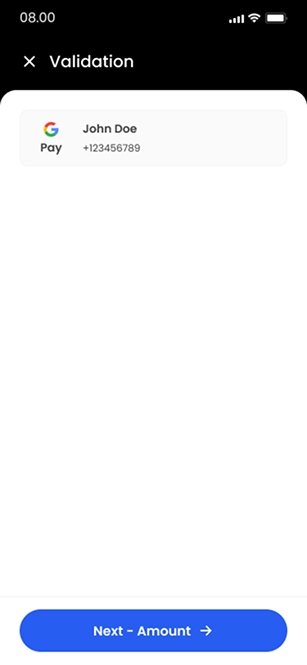
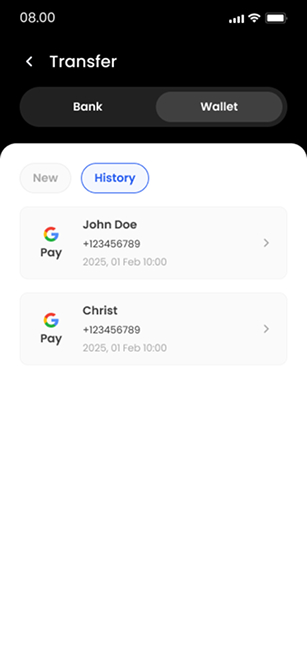
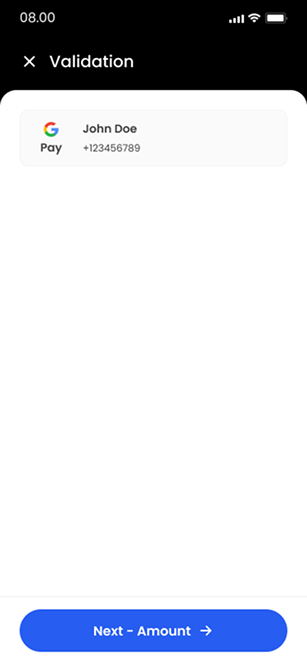
I split recipient selection, transfer review and the receipt into distinct steps, so each screen answers one question.
Mobile payments | Shipped product
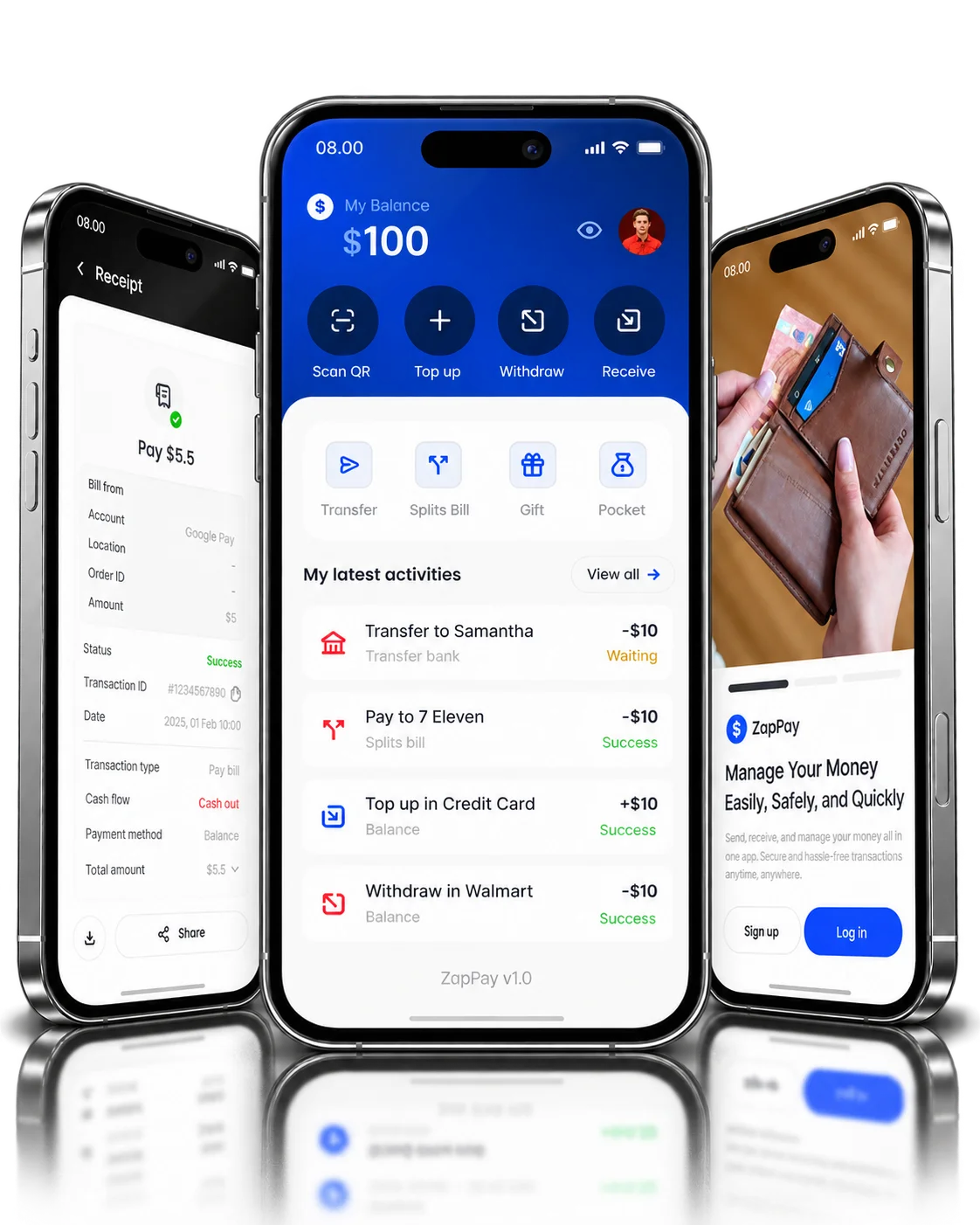
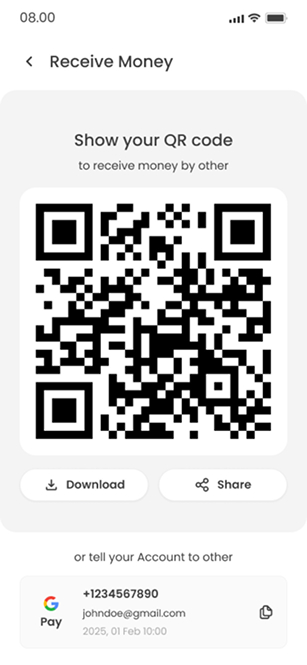
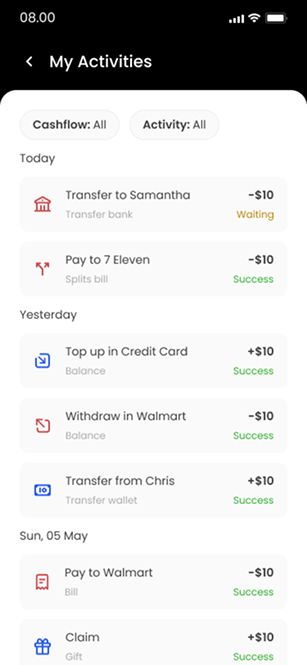
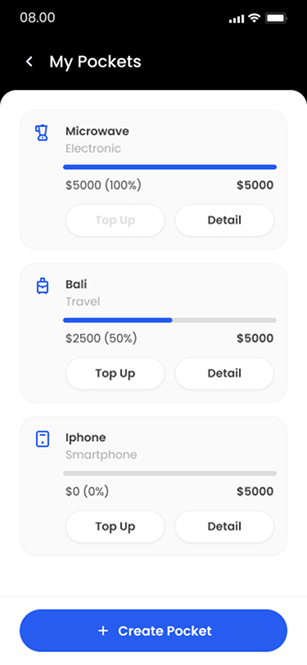
I designed ZapPay's core payment flows: QR payment, recipient validation, transfer review, receipts, activity and savings pockets.
PROJECT AT A GLANCE
KEY DESIGN DECISIONS
Three decisions shape how a transfer reads before and after the user commits to it.
I split recipient selection, transfer review and the receipt into distinct steps, so each screen answers one question.
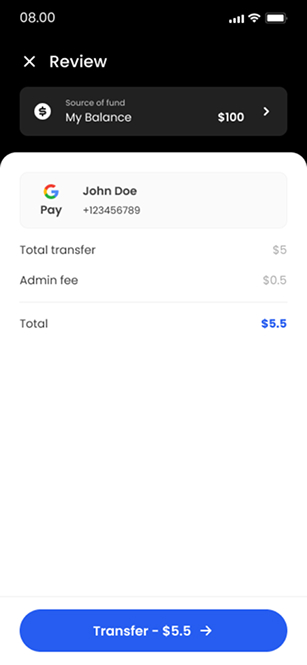
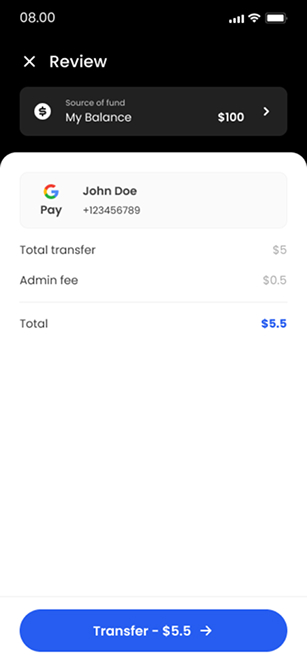
Transfer review shows the fee alongside the amount and total, so the full cost is visible before the user confirms.
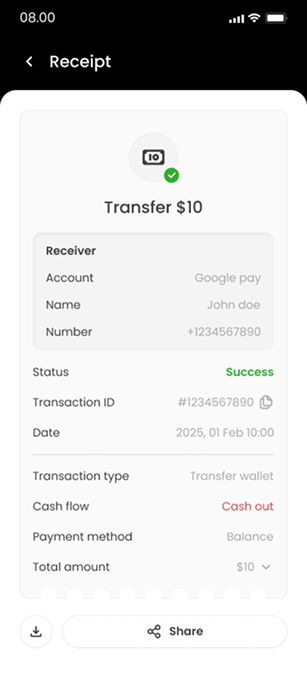
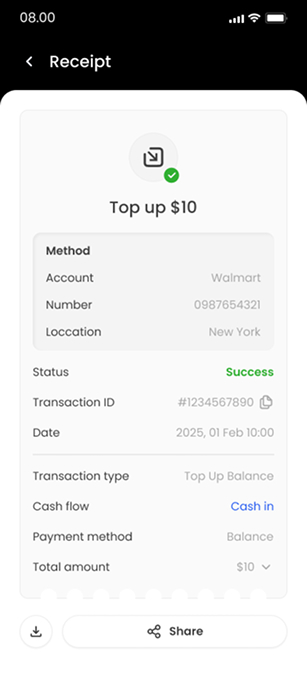
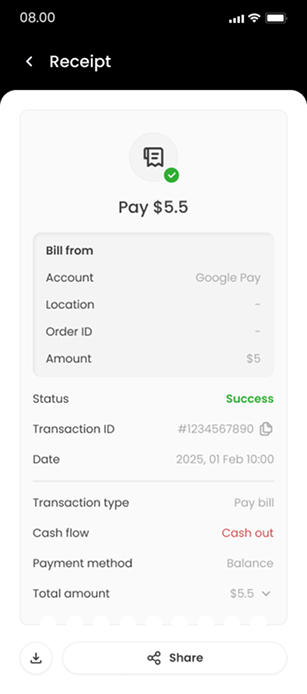
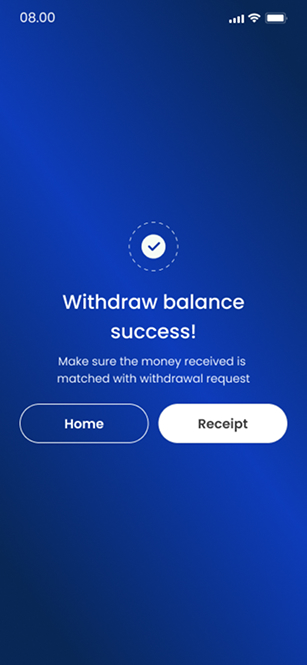
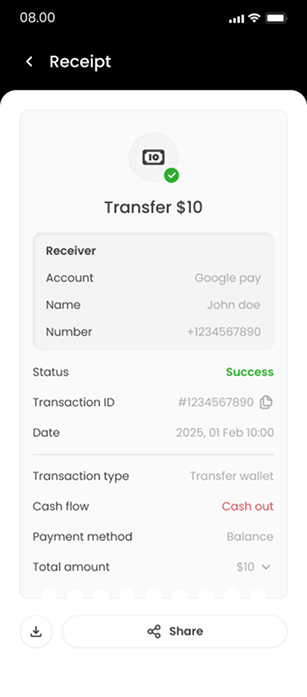
The receipt confirms the transfer state and repeats its details, giving the user a record once the review step is done.
Each of these decisions shipped in ZapPay.
Which recipient, amount, fee and status details are visible around the transfer action?
I designed these core flows:
How the shipped screens connect.
Key structures in the shipped product:

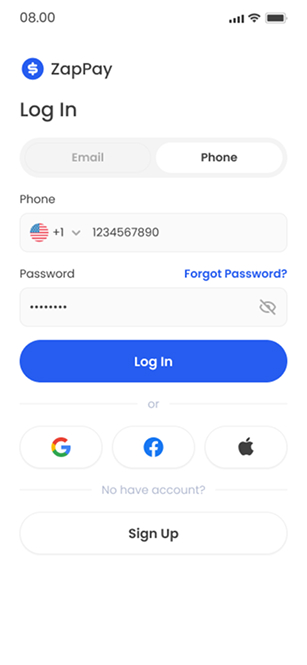
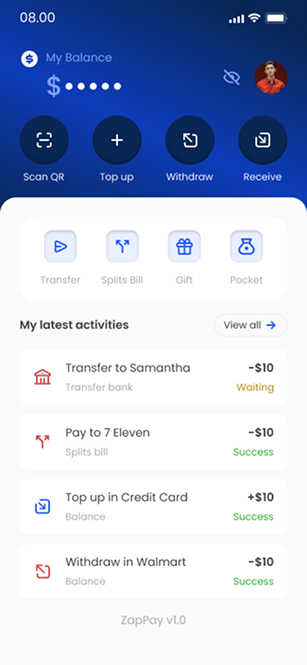
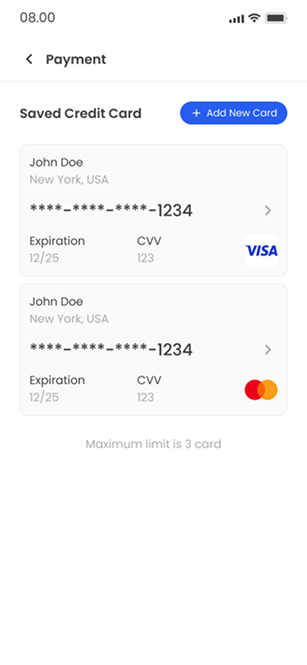
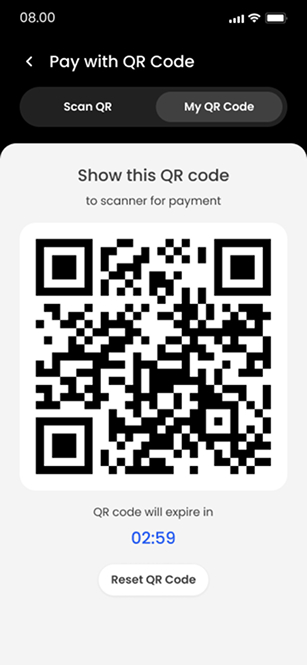



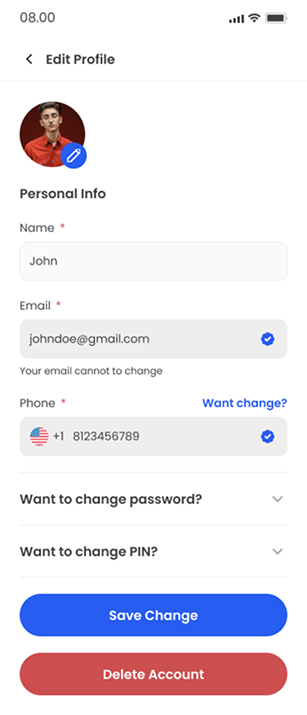
The welcome screen introduces the app before sign-in.
01 / 20FROM THE PROJECT FILES
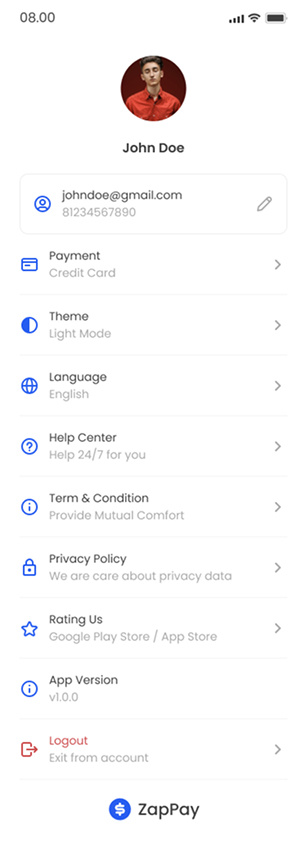
Screens from the shipped product. Values shown are sample data.
Looking back, I'd place the recipient and total in one final check directly above the submit action, and have the receipt distinguish a submitted transfer from a settled one.