
Connected wallet flows
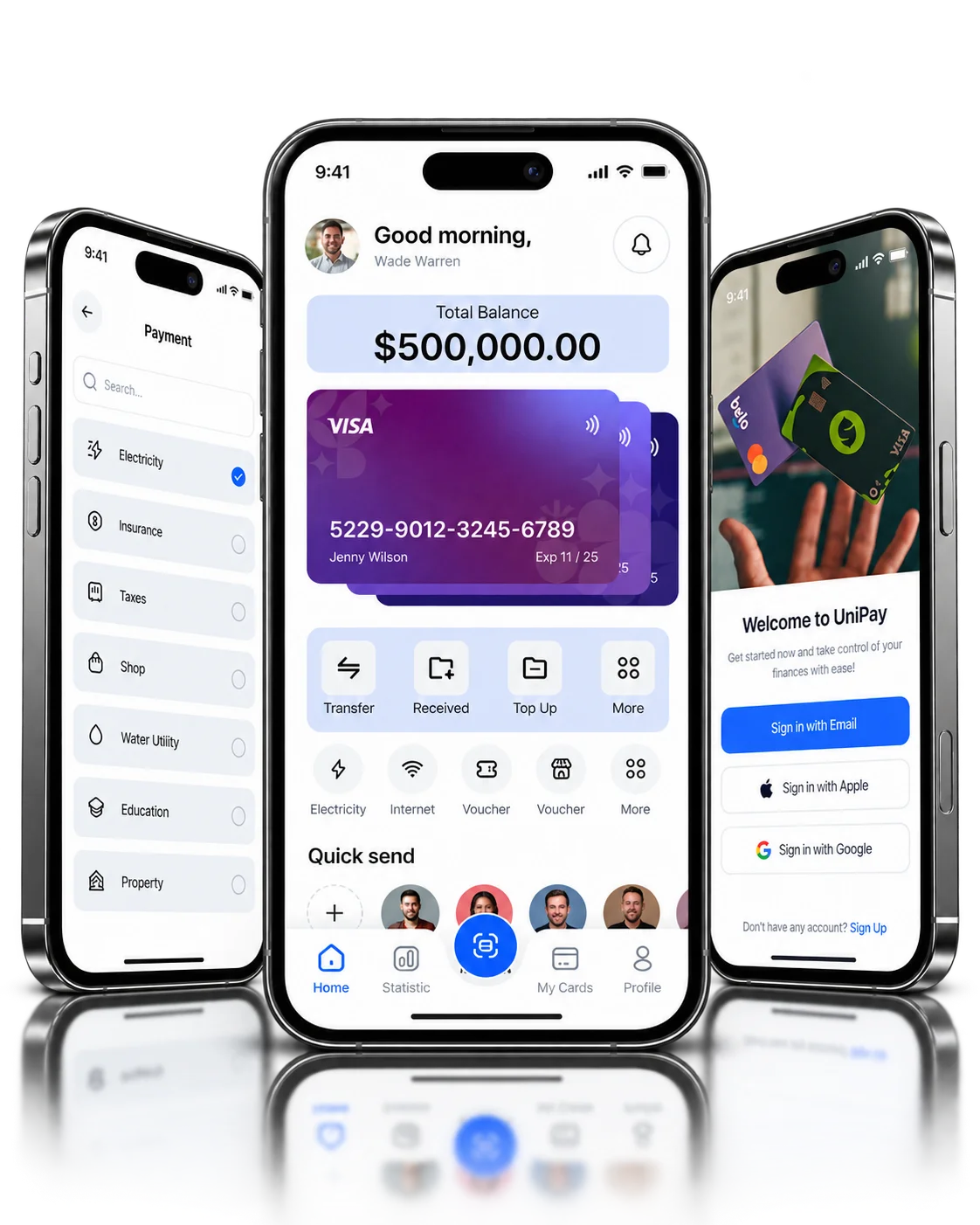
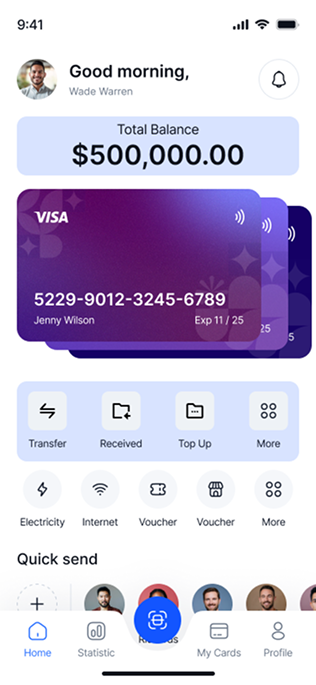
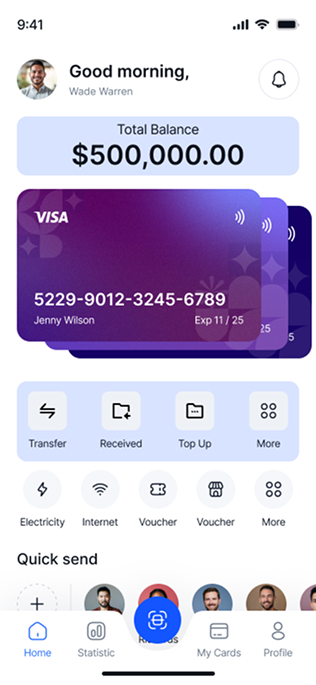
I designed account entry, document choice, the wallet home and funding choices as one connected set of screens.
Digital wallet | Shipped product
I designed UniPay's wallet journey: account entry, identity-document choices, wallet home, funding methods, services and confirmation.
PROJECT AT A GLANCE
KEY DESIGN DECISIONS
Each step asks for one kind of decision: who you are, which document you hold, and where the money comes from.
I designed account entry, document choice, the wallet home and funding choices as one connected set of screens.
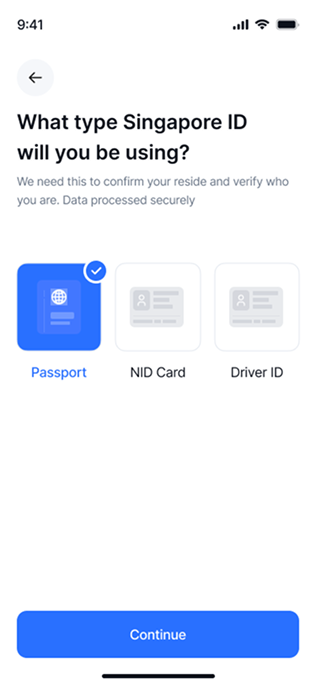
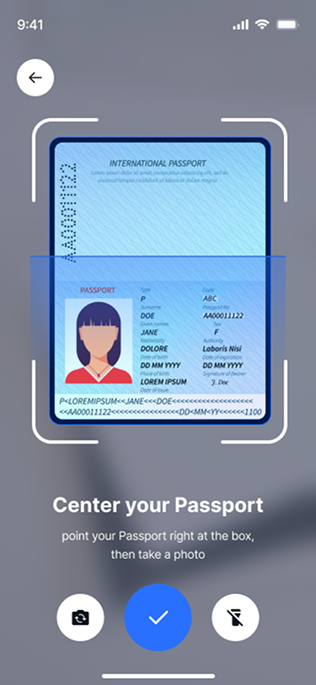
The document screen presents identity-document types as clear, selectable options before the user continues.
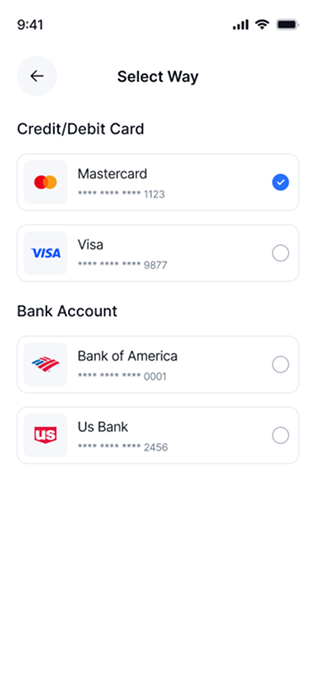
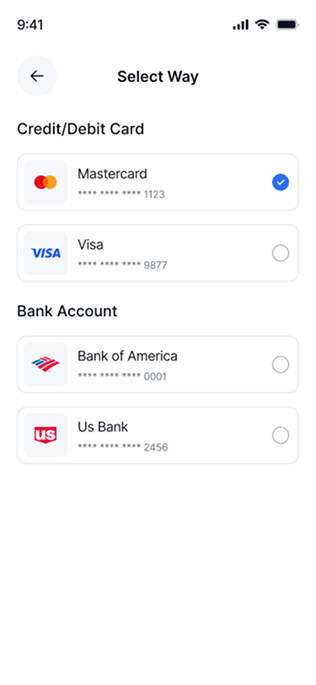
I grouped funding sources into cards and bank accounts, so the choice starts with the type of source.
Each of these decisions shipped in UniPay.
How are document choices and funding choices separated from the wallet overview?
I designed these core areas:
How the shipped screens connect.
Key structures in the shipped product:
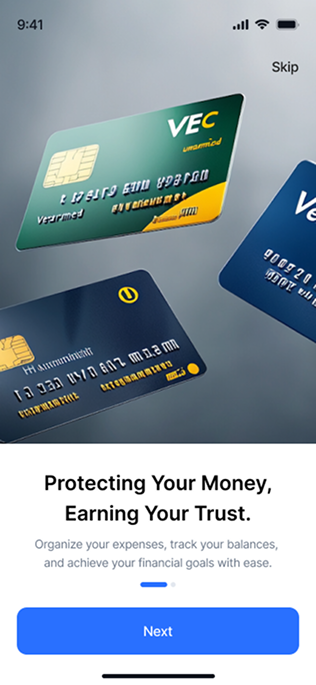
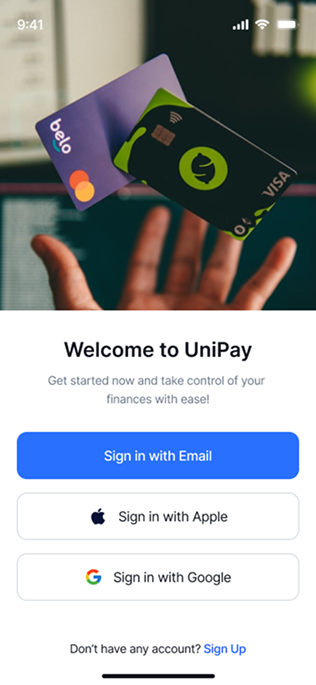
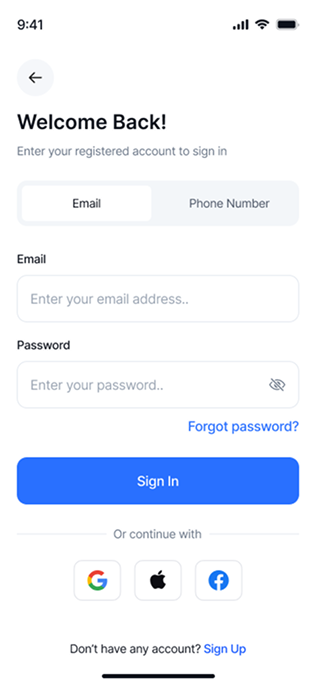
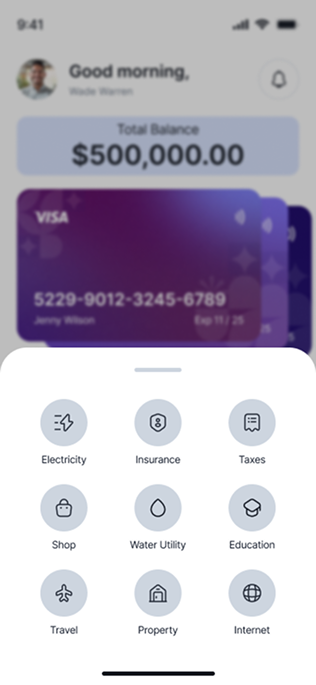
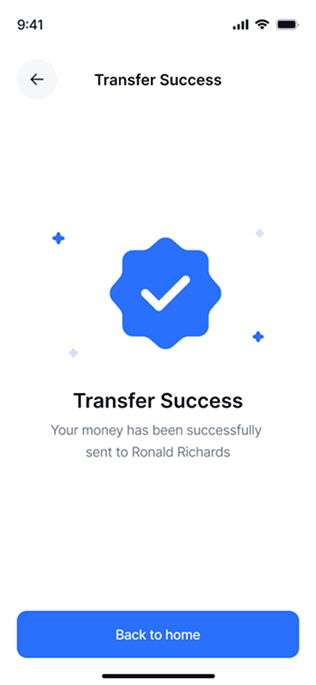
The onboarding introduction opens the app before sign-in.
01 / 09FROM THE PROJECT FILES
Screens from the shipped product. Values shown are sample data.
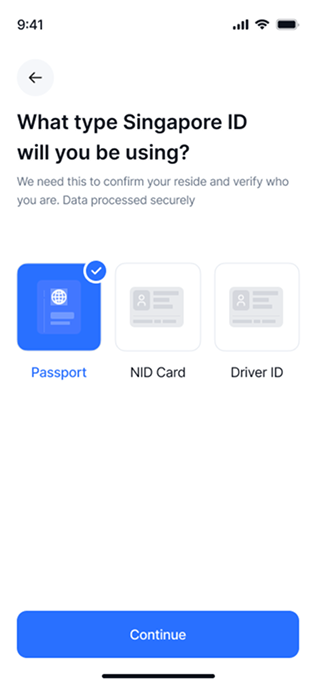
Looking back, I'd design the feedback after a document choice more explicitly: a visible verification state, plus clear rejection and retry paths, before the wallet opens.