
Financial screen coverage
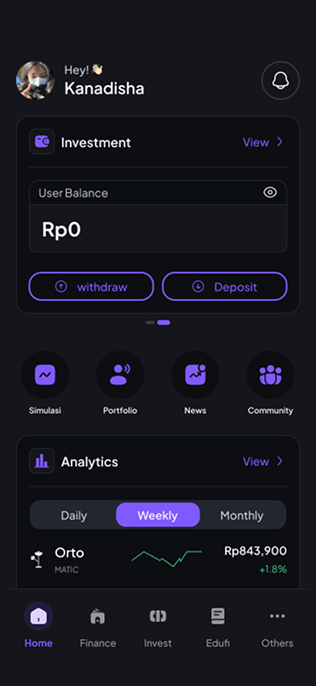
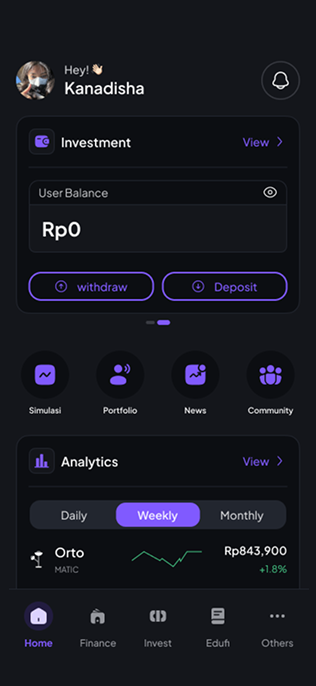
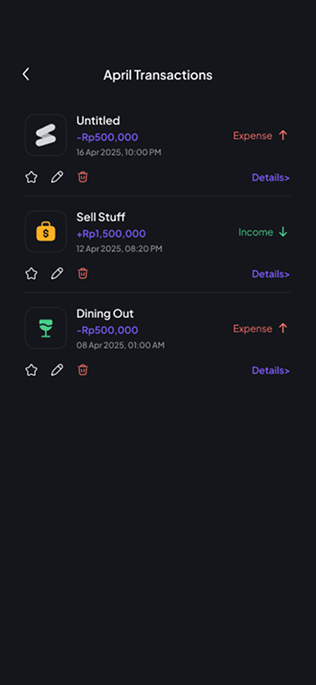
I split the app into display preferences, a home summary and detailed transaction records.
Personal finance | Shipped product
I designed currency and language preferences, a financial home, crypto and stock views, and transaction history for a personal finance and investment app.
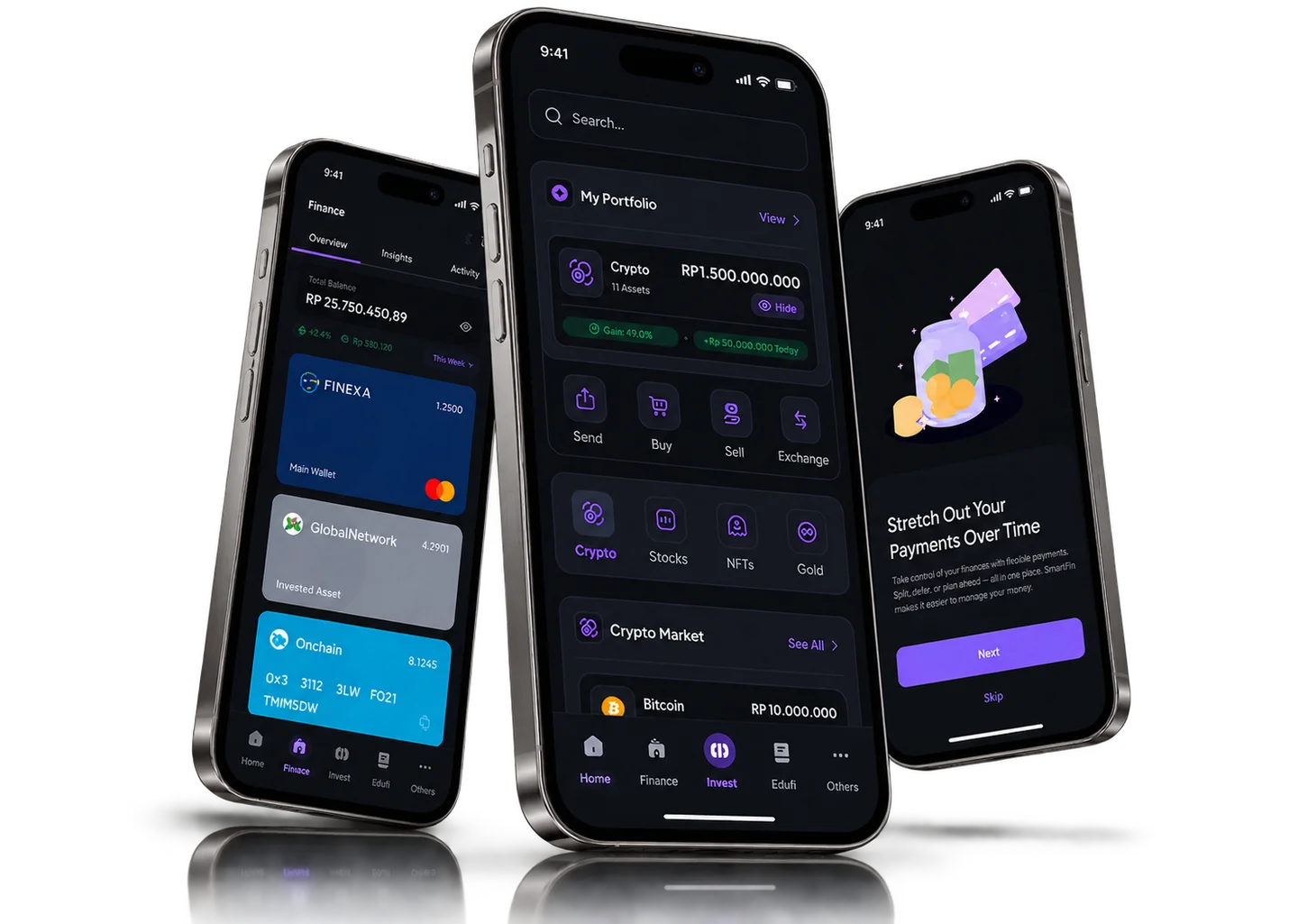
PROJECT AT A GLANCE
DESIGN WALKTHROUGH
Three decisions shape how SmartFin separates setup, summary and records.
I split the app into display preferences, a home summary and detailed transaction records.
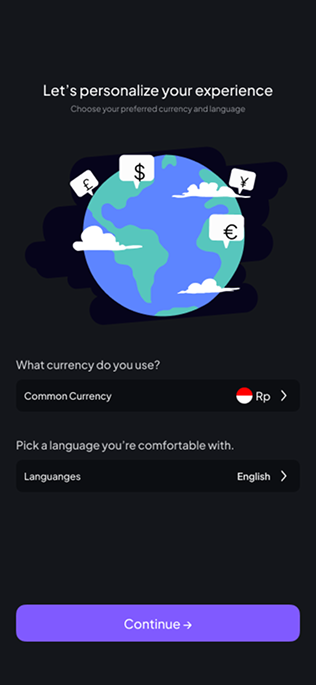
Currency and language are chosen up front, before the user continues into the app.
Every transaction in history carries the same date, amount and status attributes.
Each of these decisions shipped in SmartFin.
How are account summaries, investment views and transaction records separated?
I designed these areas of the app:
How the information is layered:
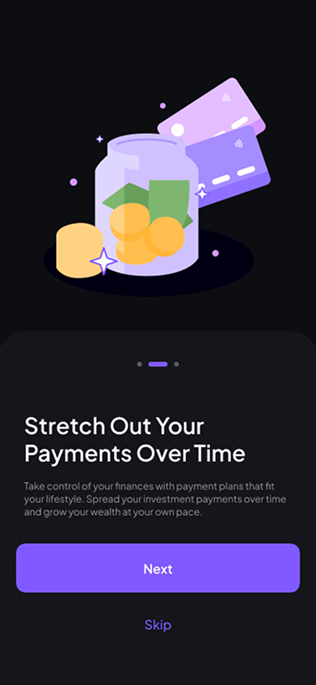
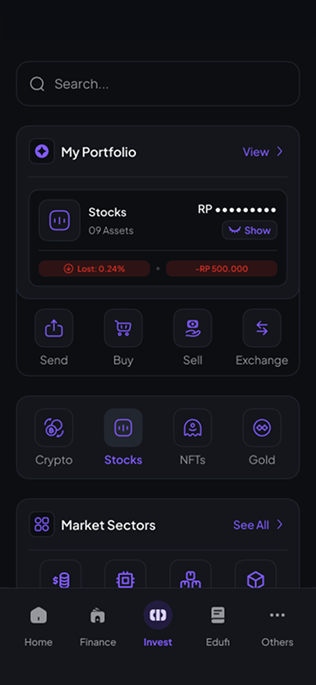
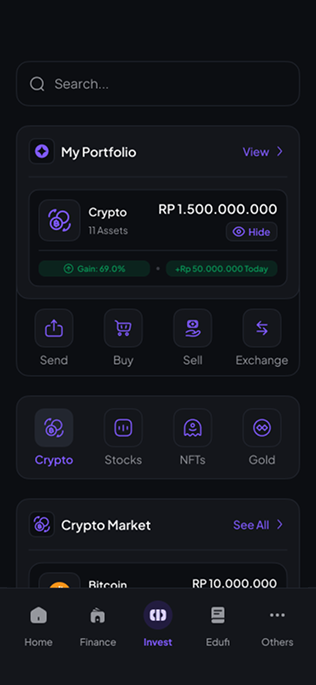
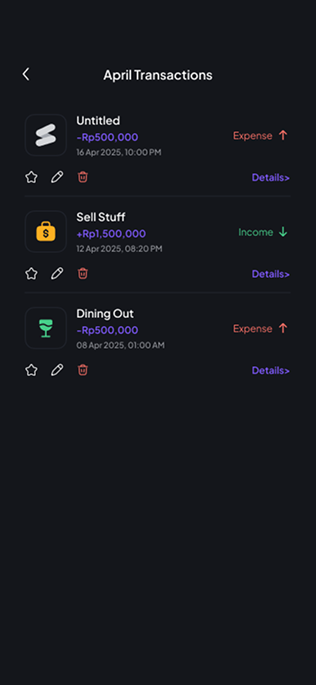
Payment-plan introduction screen. Values shown are sample data.
01 / 06FROM THE PROJECT FILES
Screens from the shipped product. Values shown are sample data.
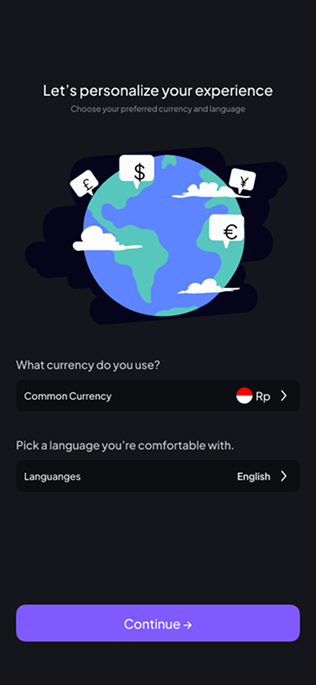
Looking back, I’d carry the selected currency and language visibly through every screen after setup, so the choice made at the start is confirmed throughout the app.