
Ordering scope
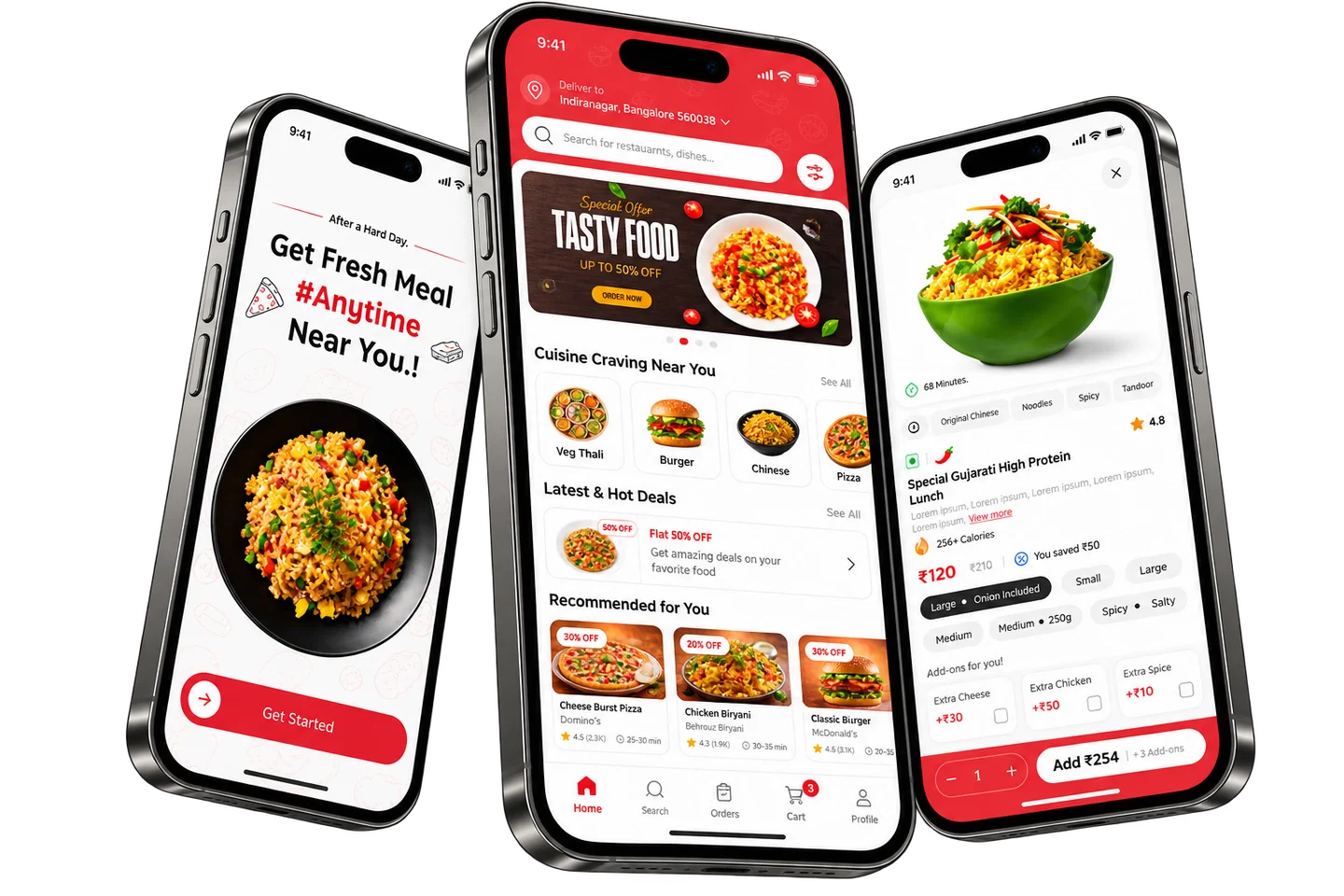
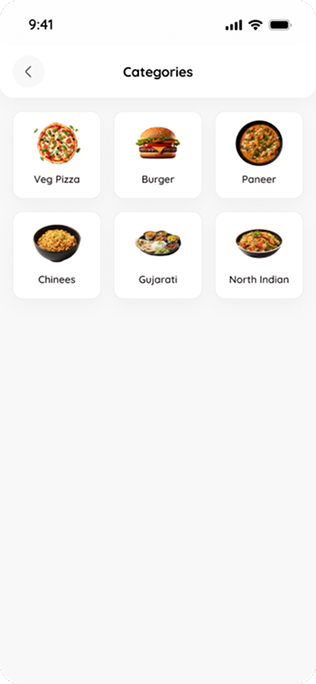
The ordering flow runs from discovery through item choices to cart review.
Food ordering | Shipped product
I designed the path from food categories and restaurant menus through item options, cart review and order status.
PROJECT AT A GLANCE
KEY DESIGN DECISIONS
How I structured item choices and costs before payment.
The ordering flow runs from discovery through item choices to cart review.
I kept customization controls in the item view and brought instructions and fees together in the cart.
The item screen keeps quantity and the add action side by side.
Each of these decisions shipped in Eater.
How are item choices and order costs presented before the payment action?
I designed these areas of the product:
How the shipped screens connect.

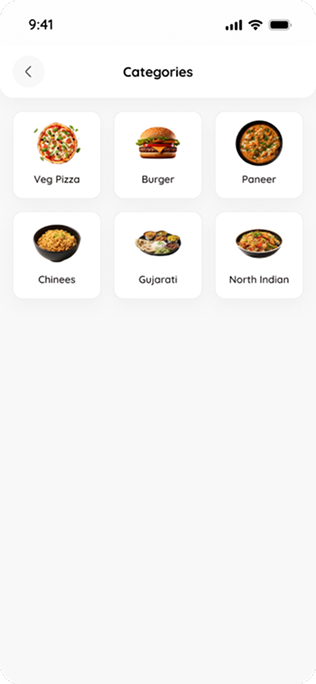
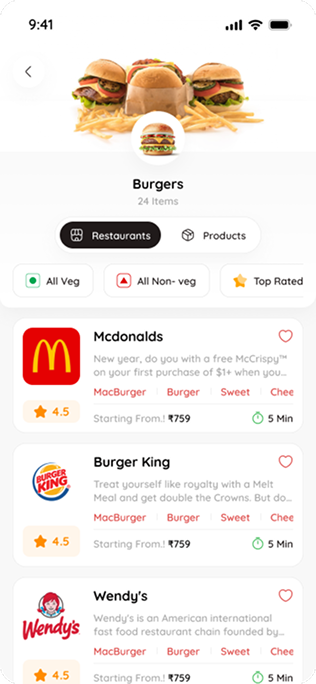
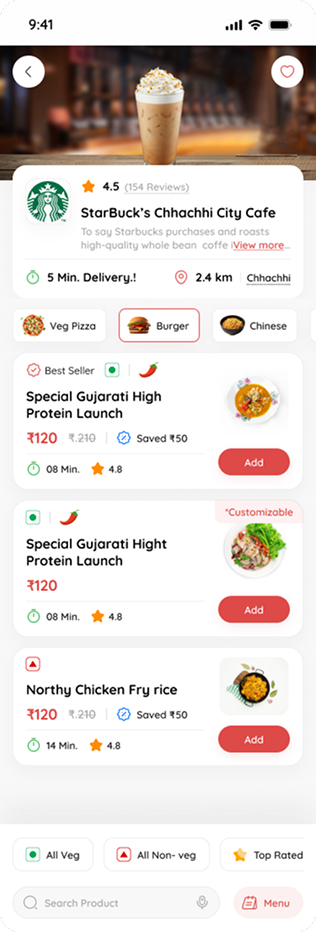
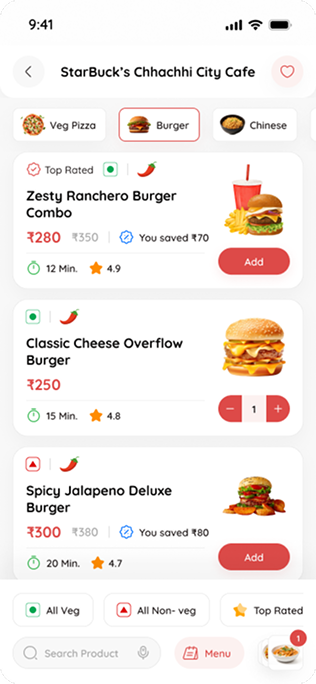
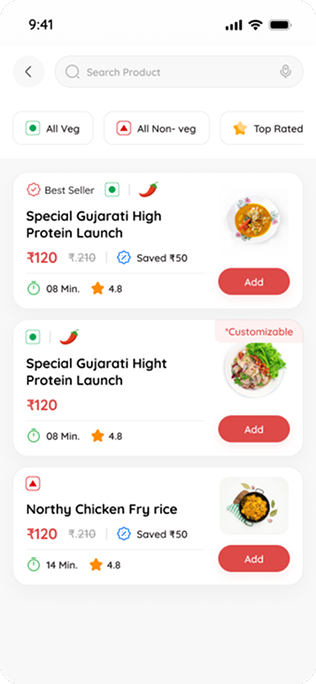
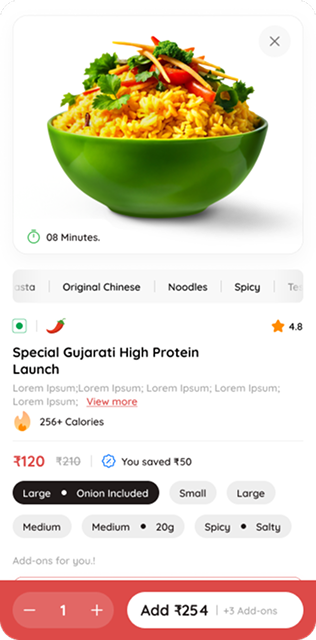
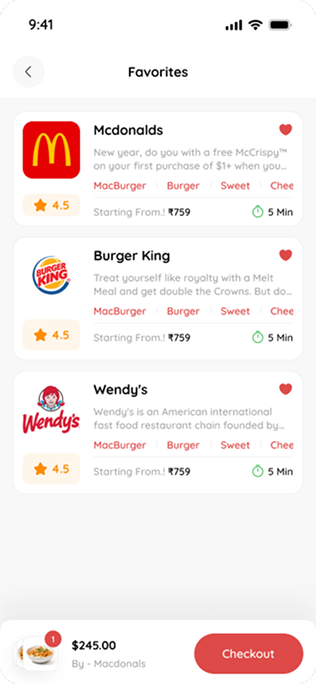
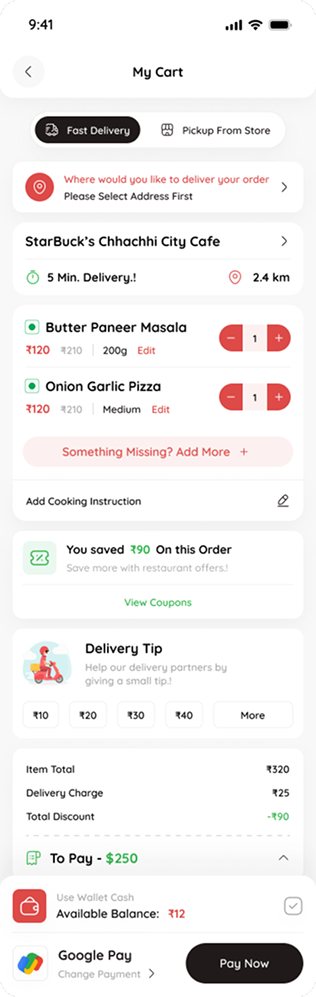
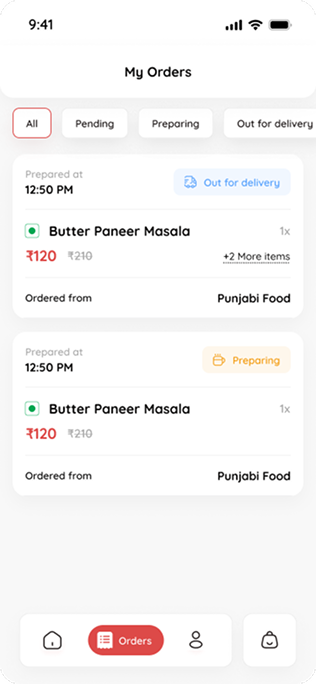
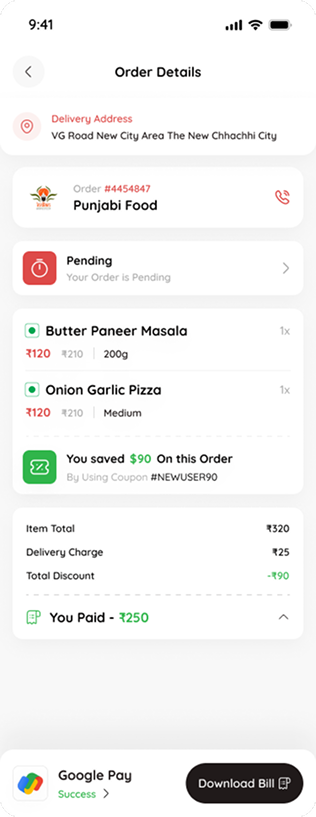
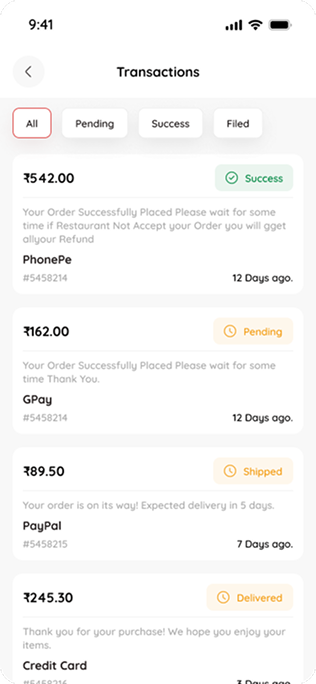
Home, the starting point for food discovery.
01 / 12FROM THE PROJECT FILES
Screens from the shipped product. Values shown are sample data.
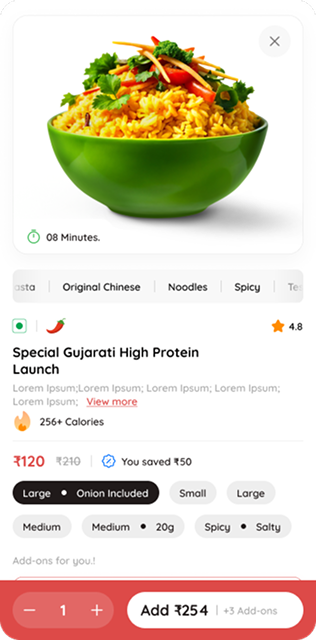
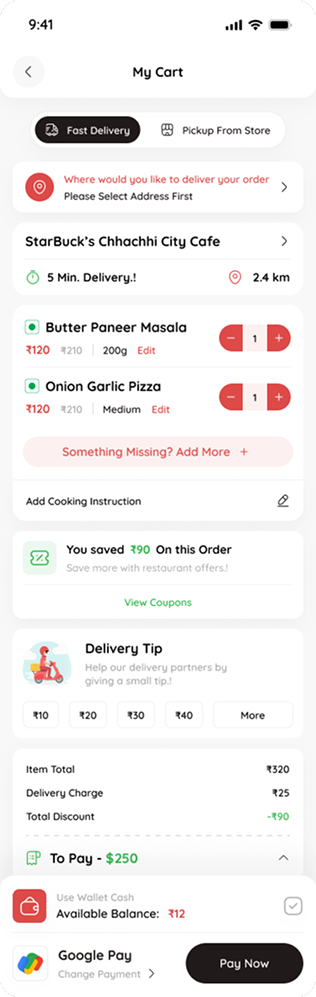
Looking back, I’d tie item options more visibly to price, so changing an option updates the cart line and total in place.